
For businesses
How to post an hourly job on Extradakis
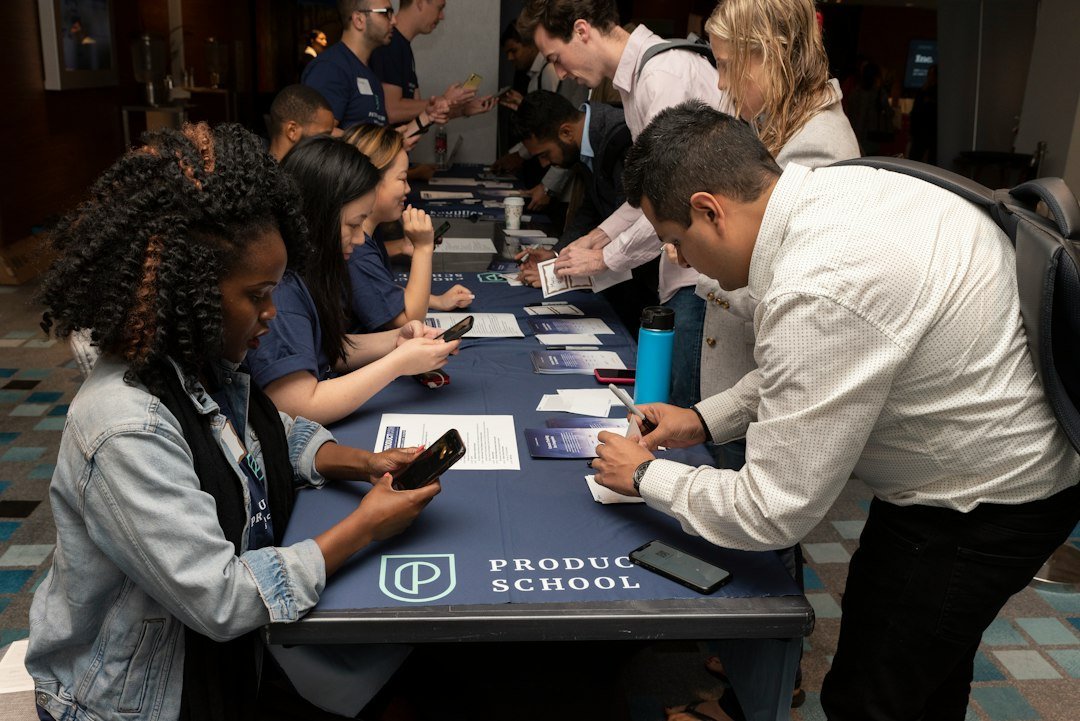
Your conference in Limassol opens at nine, but you need two people at the welcome desk by half past eight. That half-hour matters. An applicant checking a bus timetable needs the arrival time, and the person approving your budget needs to know how many hours you are paying for.
Enter the hours each person will work
Sign in to your business account and choose Post an opening. Give the role a title someone can recognise, such as “Conference check-in assistant, Limassol”. Select the sector and location, then enter the first workday, start time, consecutive days, paid hours per day and number of workers. For a single event morning, enter one day.
Under Worker pay, choose Hourly rate and enter the amount per hour for one person. For example, two assistants working 08:30–12:30 with all four hours paid at €15 gross per hour would earn €60 each. The total for both is €120. The opening lists the headcount separately, so the amount in the hourly rate field is €15.
Tell applicants how the hours will be spent
You could write, “Meet our event lead at the east entrance at 08:30 to set out badges. Welcome guests from 09:00, check names against the guest list and hand the desk back at 12:30.” If someone needs to stay for pack-down, include that time when you calculate the paid hours.
Choose how long you want to advertise and select Review opening. Check the start time, hourly amount and total per worker together. If someone reading those three details would expect a different shift from the one your event lead has planned, edit the post before publishing.